


SmartMatchApp
Dating Network
The global collaboration hub for professional
matchmakers and dating
Problem
Even the best matchmakers face
challenges:

Limited client pools when working alone
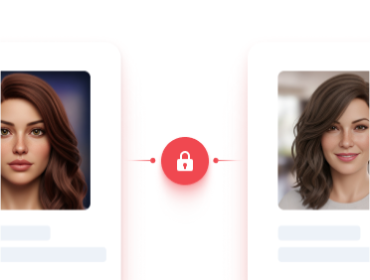
No easy way to collaborate with trusted peers
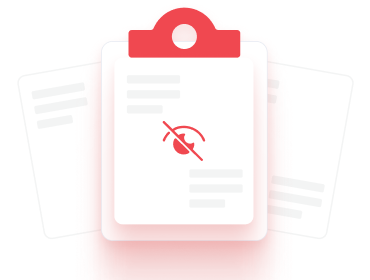
Missed opportunities because matches outside your network go unseen
The truth is, matchmaking is stronger when we work together
Solution
The SmartMatchApp Dating Network is
a secure online community built
exclusively for professional
matchmakers.
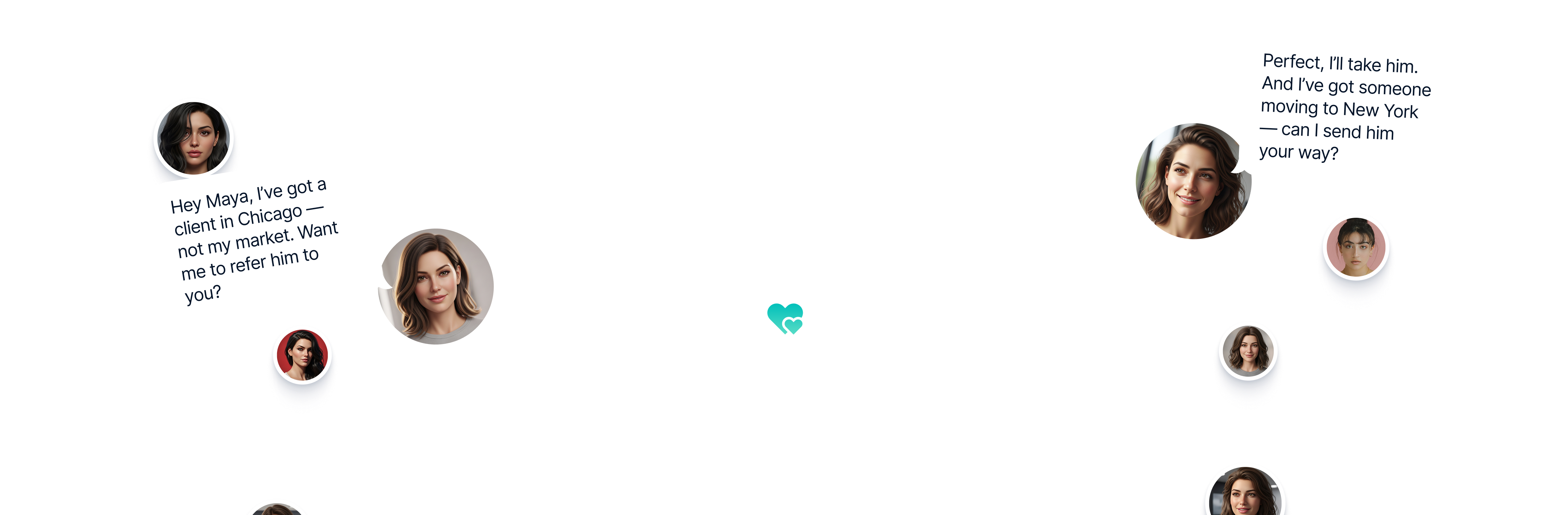
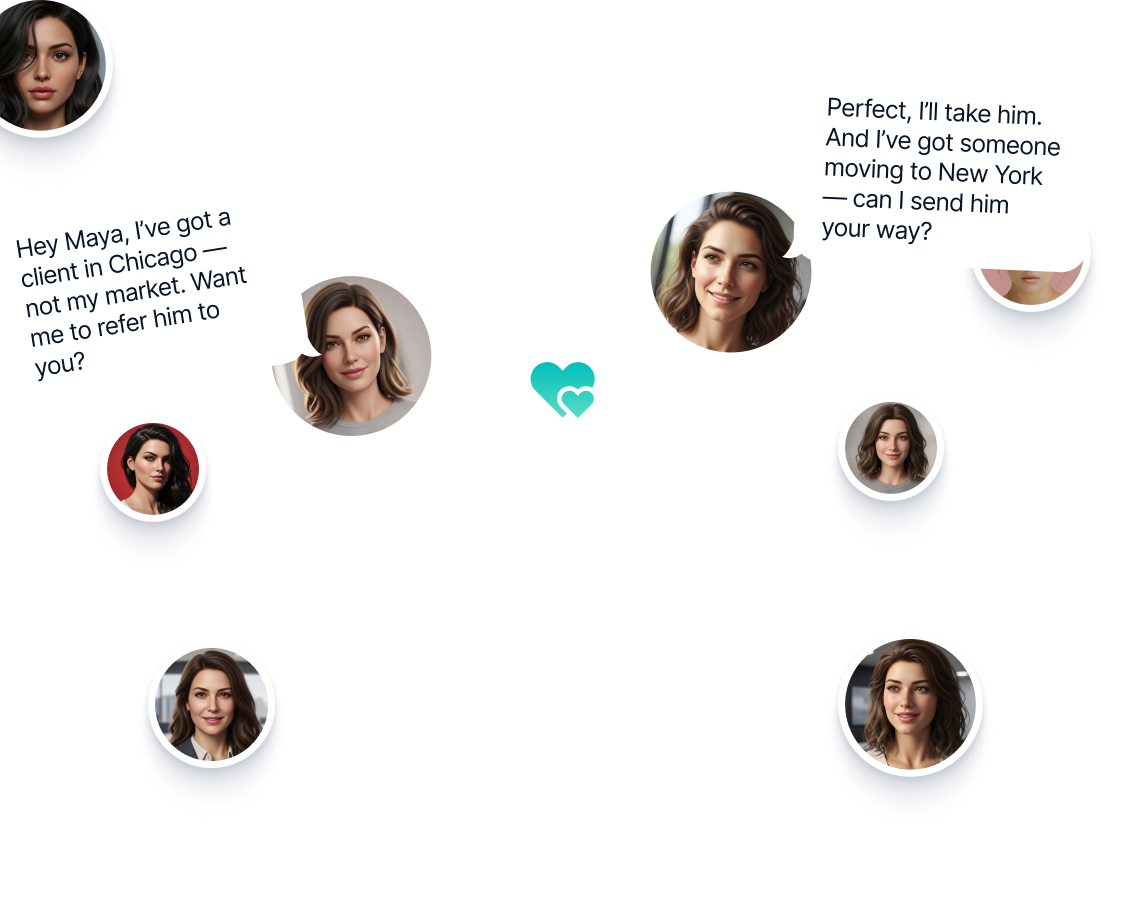
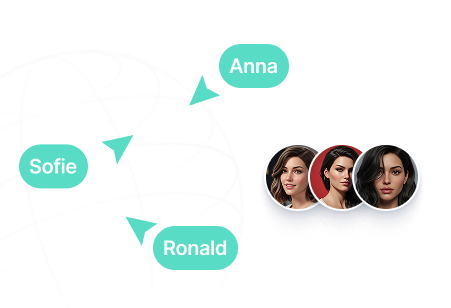
Connect with other matchmakers worldwide to collaborate and exchange referrals
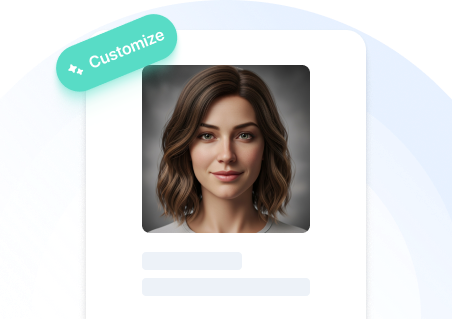
Create and update your professional profile with photos and details

Receive personalized match suggestions not only from your direct connections but also from the wider network of professionals
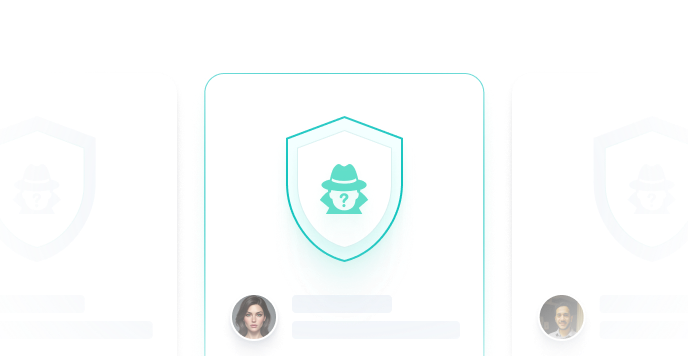
Add singles’ profiles anonymously—protecting client privacy while growing opportunities
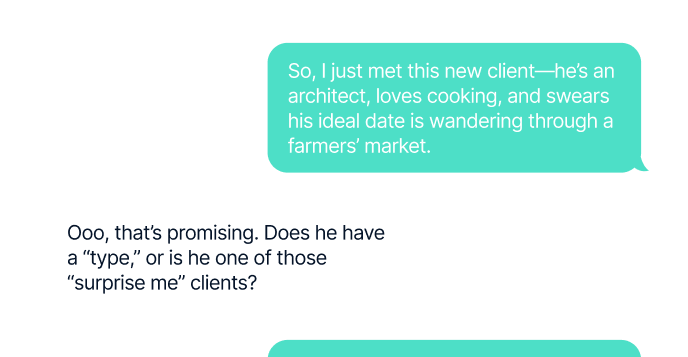
Communicate securely through our private messaging system
Our community already includes leading matchmakers in the U.S., U.K., Canada, Europe, and beyond. Together, we’re building the largest trusted matchmaking network in the world.


At SmartMatchApp, we’ve supported matchmaking professionals since 2014 with technology that makes their work easier
Now, the Dating Network takes it one step
further: giving matchmakers a global community where
collaboration leads
to better matches, stronger businesses, and more love stories.
FAQ
First impressions count — make your profile shine! ✨
- From the Main Menu, click Dating Network — it opens in a new tab.
- Keep it open to stay active while working in SmartMatchApp.
- To add a new single:
- Open your client’s profile
- Click Actions → Add to Network
- Follow the steps:
- ✅ Once added, the entire vetted network of matchmakers and coaches is notified.
Go to Database → “+” → Add your single.
Each single’s profile is linked to their matchmaker, allowing you to connect and chat directly about opportunities.
- Visit a matchmaker’s profile → click Connect.
- You’ll receive a notification once your connection is accepted. 🔔
- All your connections appear in the Connections Section, where you can share singles or chat privately.
You can share posts with either:
- 🌍 The entire network, or
- 🔒 Only your private connections
Expand your reach. Grow your network. Create more successful matches.